

Gain 3x higher Oracle RAC database performance on Amazon EC2 paying less
Leverage cheaper R5b instances and gp3 Storage and maximize uptime SLAs


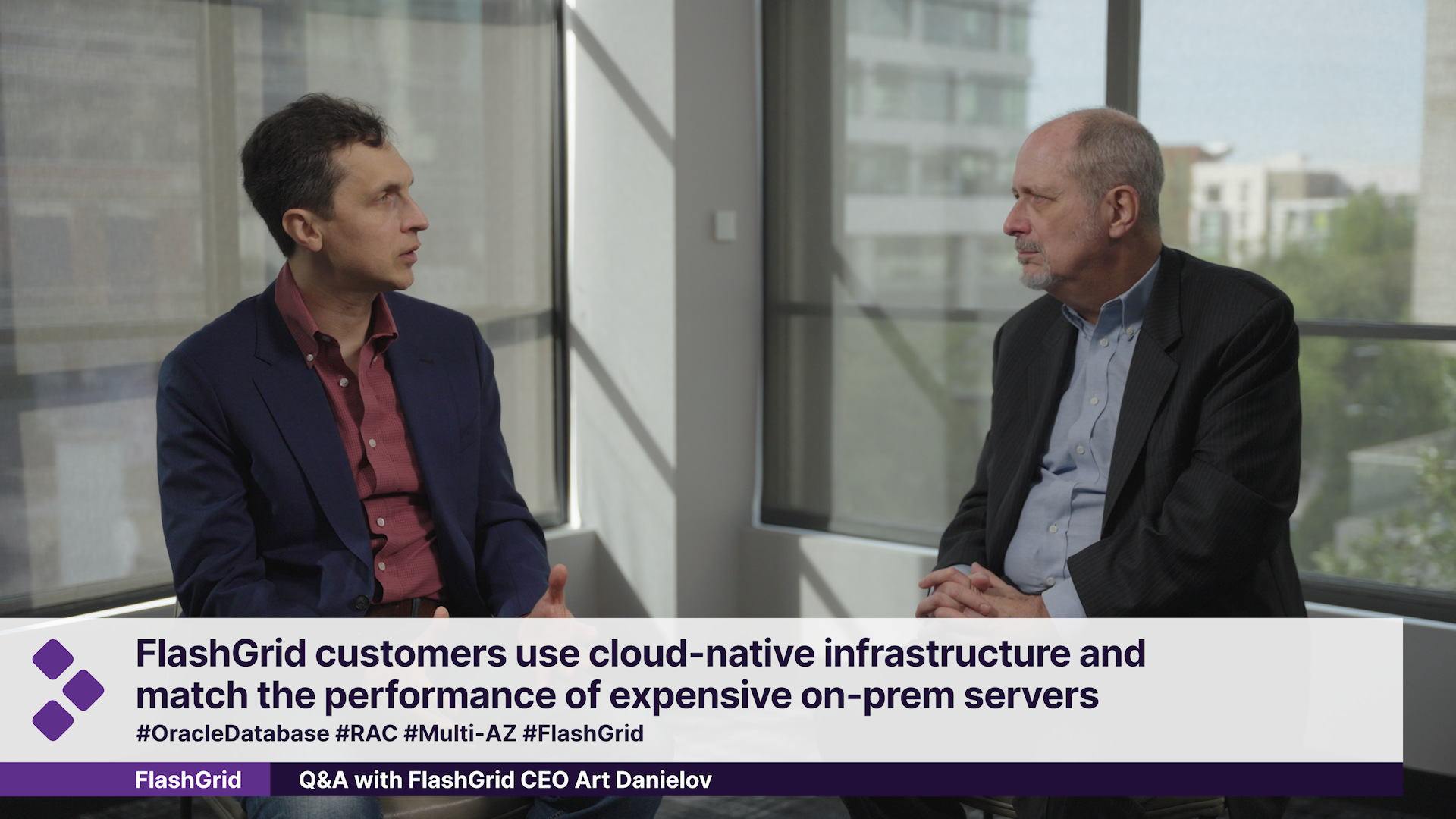

Matthias:
How similar is Oracle Database@AWS, Azure, Google Cloud, and FlashGrid? Is this essentially the same technology from different vendors?
Art:
It’s actually not. These are two completely different architectures. With completely different approaches to how things are wired and work. With Oracle Database@ family-of-services. Those are essentially Oracle Cloud regions connected to the primary clouds.
So essentially, you get the Oracle Cloud Services available to you in your AWS region or Azure region or Google Cloud region. While with FlashGrid, it is the software-based technology that runs on native resources in your cloud of choice, on AWS, Azure, or Google Cloud, without having to connect to any external or proprietary infrastructure.
Matthias:
Art, I’ve heard you say that FlashGrid is a cloud native solution. What does Cloud Native mean?
Art:
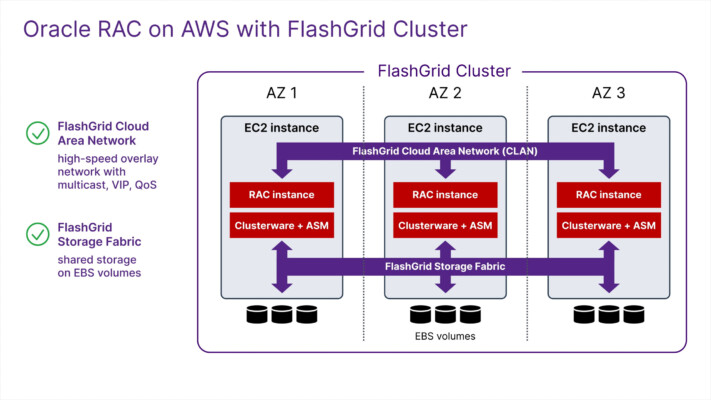
That just simply means that we utilize only the infrastructure that is native to your cloud of choice. In the case of AWS, that’s EC2 instances and EBS storage; in the case of Azure or Google Cloud, it is just virtual machines native to those clouds and disk storage native to those clouds.
Matthias:
So are you saying that FlashGrid can enable customers to use these, you know, standard virtual machines and match the performance and reliability of expensive servers that have been sitting on-premises ?
Art:
Absolutely. In fact, virtual machine types that are available today from all of those cloud vendors, they have very broad range of sizes. You can start with very small if your database is relatively small, or you can go very large with hundreds of CPU cores, and you can get tens of gigabytes per second of storage throughput, which is important for larger databases, and it exceeds the capabilities of the majority of existing on-prem systems.
Matthias:
It sounds like your solution is nimble, and what I mean by that is, if I’m a retailer and I do more business at Christmas or I have times with less business, does this mean that I can scale up and down? Is that hard?
Art:
No. You definitely can scale up and down, and you can also just start with whatever works for you today, and you can upsize it when you need to scale up, or you can downsize it if you optimize your application and you don’t need all those cores anymore.
So it’s agile in that sense; you can take advantage of all the agility that the cloud vendors have to offer and still keep the benefits of the high visibility clustering.
Matthias:
And you can do all of this without the service going down then. Right?
Art:
Correct. You don’t need to take the entire database service down to do any resizing. You can do it on the fly, one node at a time, one disk at a time.
Matthias:
That’s great.